
Getting Swisher County Court Records
Most Swisher County court records sit in one building. The Swisher County & District Clerk handles the paperwork for both the district courts and the constitutional county court. The office splits duties by level, though. Felony cases, district civil suits, family matters, delinquent-tax files, and appeals live on the District Clerk side. County misdemeanors, county civil cases, probate, and Commissioners Court items stay with the County Clerk side. Justice courts, municipal courts, and federal courts keep their own files elsewhere.
Start with the official record-request page. You can review files in person at no cost. You can also use one of two public computers or send the written judicial-record form. Other channels include email to cdclerk@swishercounty.gov. Fax goes to 806-995-4121, and mail goes to 119 S Maxwell, Tulia, TX 79088. Not sure which office fits your request? Call 806-995-3294 and staff will route you. For online case lookup, the clerk-linked iDocket index and re:SearchTX offer more paths. Both carry login and access limits, though.
- Identify the court and cause number, if known.
- Name the exact filing, docket sheet, order, judgment, or exhibit.
- Choose online search, free counter review, email, fax, or mail.
- Ask for paper, digital, certified, or authenticated form.
- Review the availability and fee estimate, then pay before production.
Swisher Clerk Roles Share One Office
One counter, two legal roles. That arrangement shapes every Swisher County court record request, because the combined office routes each file by court level and subject. A felony judgment belongs to the District Clerk. A county misdemeanor file belongs to the County Clerk. The county judge's office cannot stand in for probate, and a district coordinator can confirm hearing settings without replacing the clerk's certified-copy service.
The clerk's duties page lays out this official split between the two roles.
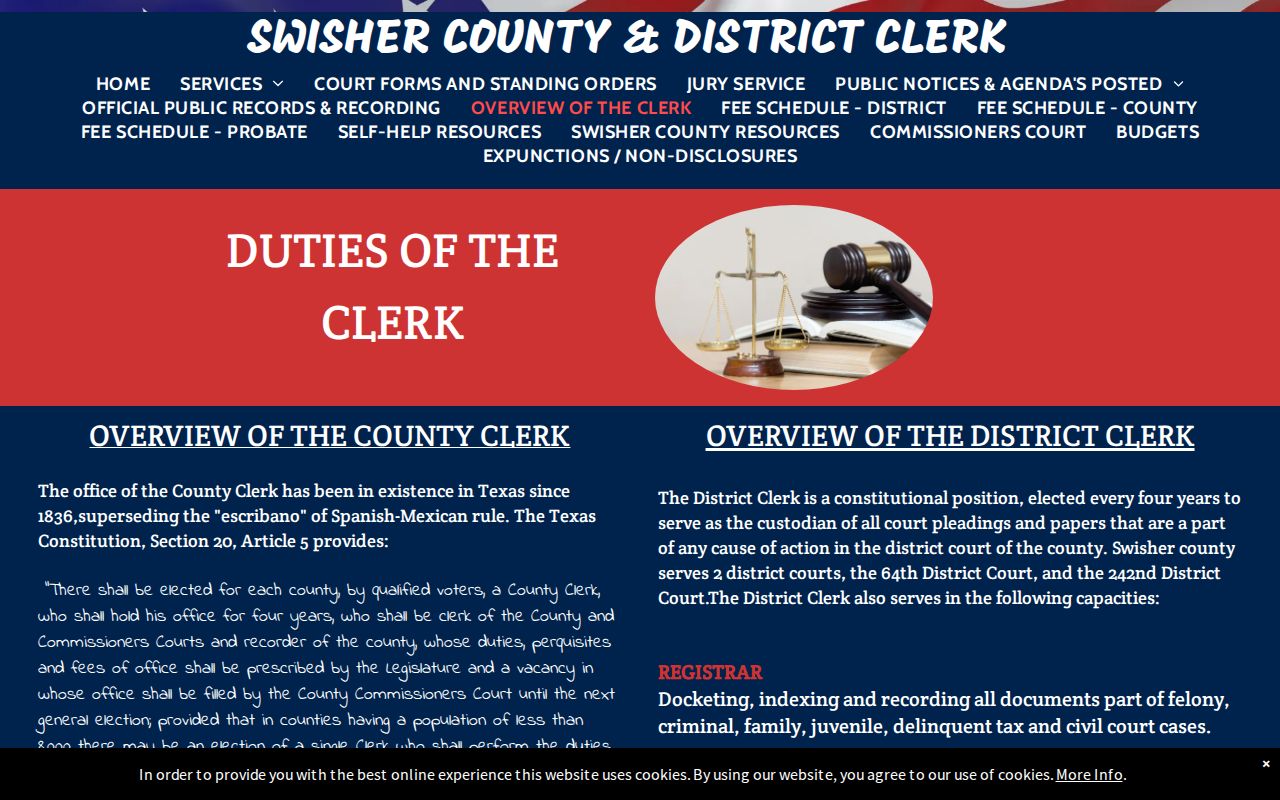
The division matters most when a docket search comes up empty. Before deciding a court record does not exist, confirm whether the case sits at the district, county, JP, municipal, or federal level.
Swisher Court Record Types
Know what to ask for. A docket sheet lists events and settings in a case. A petition or information is the filing that starts it. Answers and motions show what the parties asked the court to do. Orders and judgments are different: they show signed court action. Service returns, exhibits, appellate records, bonds, and probate papers are distinct items too. Each may carry its own access limits.
- Docket sheets and case indexes
- Pleadings, motions, answers, and service returns
- Signed orders, judgments, dismissals, and dispositions
- County misdemeanor, district felony, civil, and family files
- Probate, guardianship, appellate, and eligible exhibit records
Family, juvenile, guardianship, and protected personal data may not be fully open. Ask the clerk whether a public, redacted, certified, or role-restricted copy is available.
Swisher Counter Review and Computers
Swisher County court records can be inspected at the counter. It is free during regular office hours. Two public computers sit in the office for Judicial and Property Records searches. Posted hours run Monday through Thursday, 8:00 a.m. to 5:00 p.m., and Friday, 8:00 a.m. to 3:00 p.m. The office says it stays open through lunch. Hours can shift, so call before you drive over. The local review and fee source on that official Swisher County page spells out counter review, copy fees, and record requests.
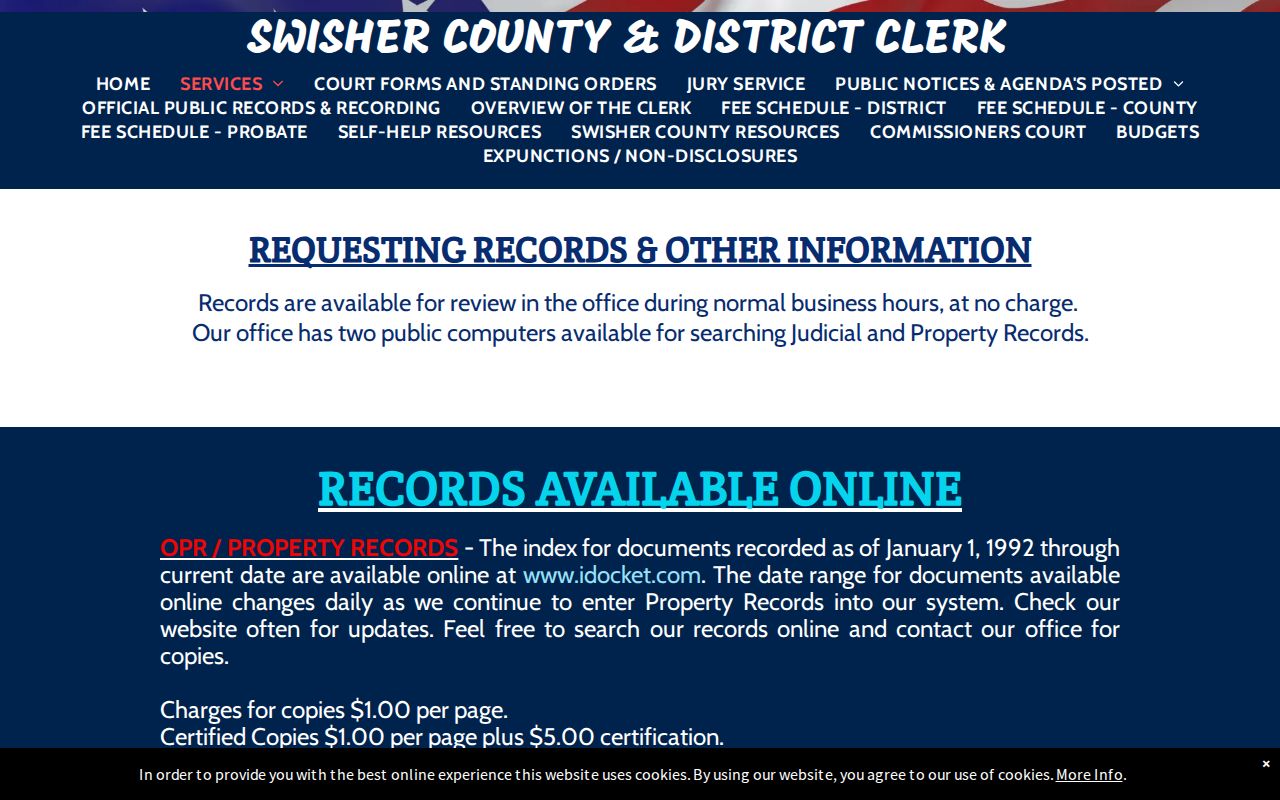
Come prepared with the cause number, the court, the filing date range, and a short description of the documents you need. Get a cost estimate before ordering copies from the Swisher County clerk. Looking is free, but paper, certification, and authentication each carry their own charge.
Inside a Swisher County Court Record
A full Swisher County case file holds far more than the district docket pages the public sees. Those pages are thin. They list only the county, jury week, date and time, Cause No., Style of Case, and Attorneys. The clerk's file can go much deeper. Where items are public and maintained, it may include pleadings, motions, service returns, signed orders, judgments, exhibits, and a chronological docket sheet tracking the whole court record.
| Cause Number | The court-assigned identifier; no universal format such as YYYY-XX-##### was verified. |
|---|---|
| Docket Sheet | The register of filings, actions, and settings, subject to the court’s system. |
| Pleadings | Petitions, answers, charging papers, motions, and related filed documents. |
| Orders and Judgments | Signed court rulings and final actions when public. |
| Exhibits and Returns | Filed evidence or service records where retained and open to the requester. |
A docket row from jury week proves nothing on its own. To verify a judgment in a Swisher County case, ask the clerk for the signed filing or a certified copy of the court record.
Swisher Requests Get a Cost Reply
Swisher County asks requesters to wait up to 10 business days for a reply. The clerk's answer should say whether responsive records exist and estimate the cost. Pay first. Copies come only after payment arrives. That timeline is response language. It does not promise every record gets released inside that window.
A strong request names the county or district court and the cause number. It also lists a narrow date range, the filing type, and the copy format. Include whether certification is needed and your contact information. Use the judicial-record form for a case file or index entry. The separate open-records or CD form is a different tool. Follow the clerk's directions on which one fits. Judicial records answer to judicial access rules. They are not covered by an ordinary Texas Public Information Act demand.
Note: A request for the whole file may draw a clarification question. It may also bring a bigger estimate than a request for one signed order.
Fees and Swisher Certified Copies
A plain copy just reproduces the Swisher County court record. A certified copy adds the clerk's certification, while three-way authentication is a separate service entirely. State and local fee sources back the amounts Swisher publishes, but they do not confirm any filing or service fee listed only in a linked PDF.
| Item | Published amount |
|---|---|
| In-office review | No charge |
| Paper copy | $1 per page |
| Certified copy | $1 per page plus $5 certification |
| Digital copy | $1 per page through 10 pages, then $0.10 per page |
| Three-way authentication | $10 |
The county-clerk fee statute supplied this Swisher County court record source image.
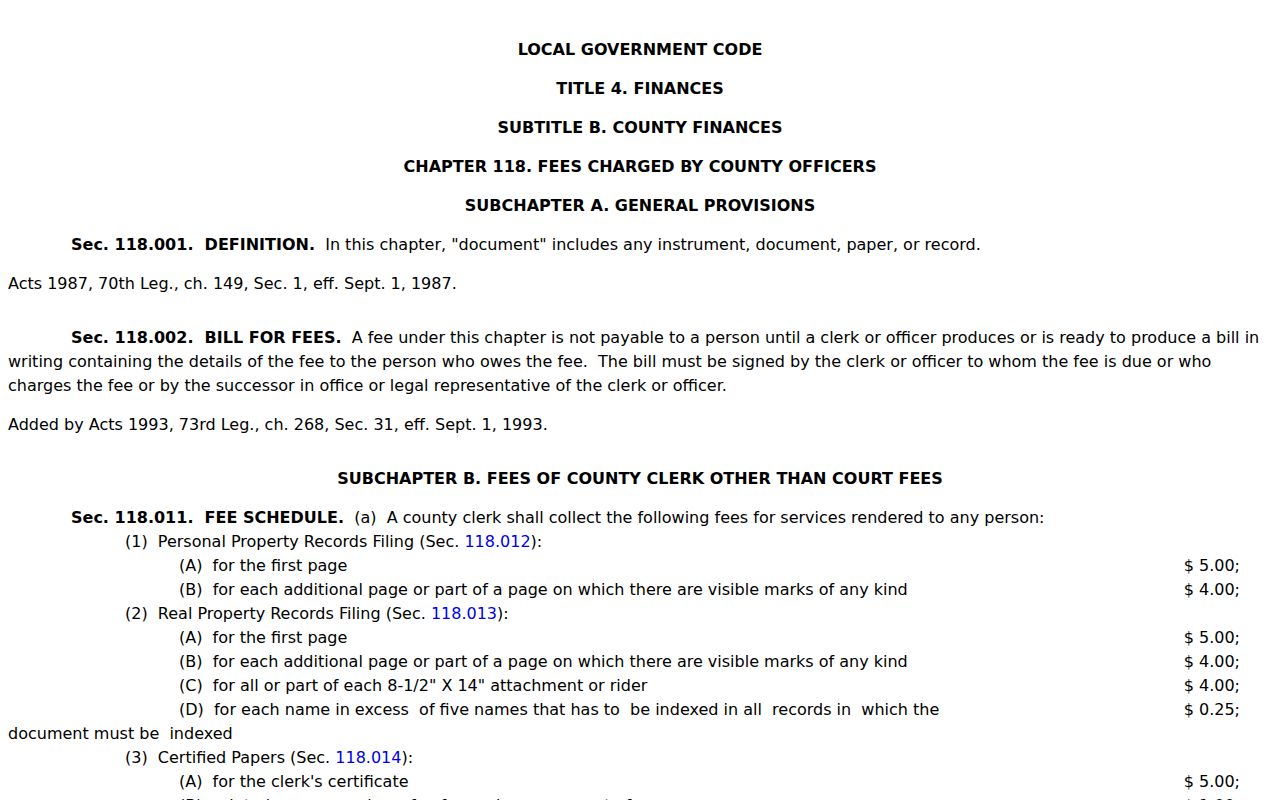
Ask first: Confirm which form fits your intended use before you pay, because certification and authentication are not interchangeable.
Swisher Docket Screens Are Not Certificates
Screen views and certified records are two different things. The 64th and 242nd Docket Information pages work well for county-labeled jury-week settings. iDocket serves as a local index route, though its public screen sits behind a subscriber gate and carries disclaimers on accuracy, timeliness, and completeness. re:SearchTX covers the whole state but requires registration and limits users by role. Not one of those screens counts as an official certified copy of anything.
When a filing truly matters, find the case through the Swisher County case lookup and request the exact document from the clerk. Check that it is signed, complete, and tied to the right cause number. Need only an upcoming court date? Call the coordinator instead of ordering a full file. Records and scheduling answer separate questions.
Swisher Sealed Record Access
Texas Rule of Civil Procedure 76a presumes that civil court records stay open. Yet several things can override that presumption. Statutes, other rules, protective orders, sealing orders, and protected data all limit what a court docket will show. Expunction and nondisclosure in criminal cases are formal legal processes with their own gates. Family, juvenile, and guardianship records may demand proof of identity, party role, or court authority. Without that, the clerk releases nothing.
Access rules:
Texas Judicial Branch Open Records Policy routes judicial records through the proper custodian rather than ordinary PIA or FOIA procedures.
Texas Rule of Civil Procedure 76a states the civil sealing standard and preserves legal exceptions.
Code of Criminal Procedure Chapter 55A governs expunction procedure.
A blocked result on a portal may mean a role restriction or a protected case rather than a missing docket. Ask the clerk what lawful access path or redacted copy exists.
Swisher Clerk Office Card
When a docket search stops at a login wall or skips the filing you need, the courthouse counter is the strongest official fallback. Before sending anything time-sensitive, confirm hours and contact details on the office homepage. The combined clerk homepage shows the official Swisher County court record contact page for the office.
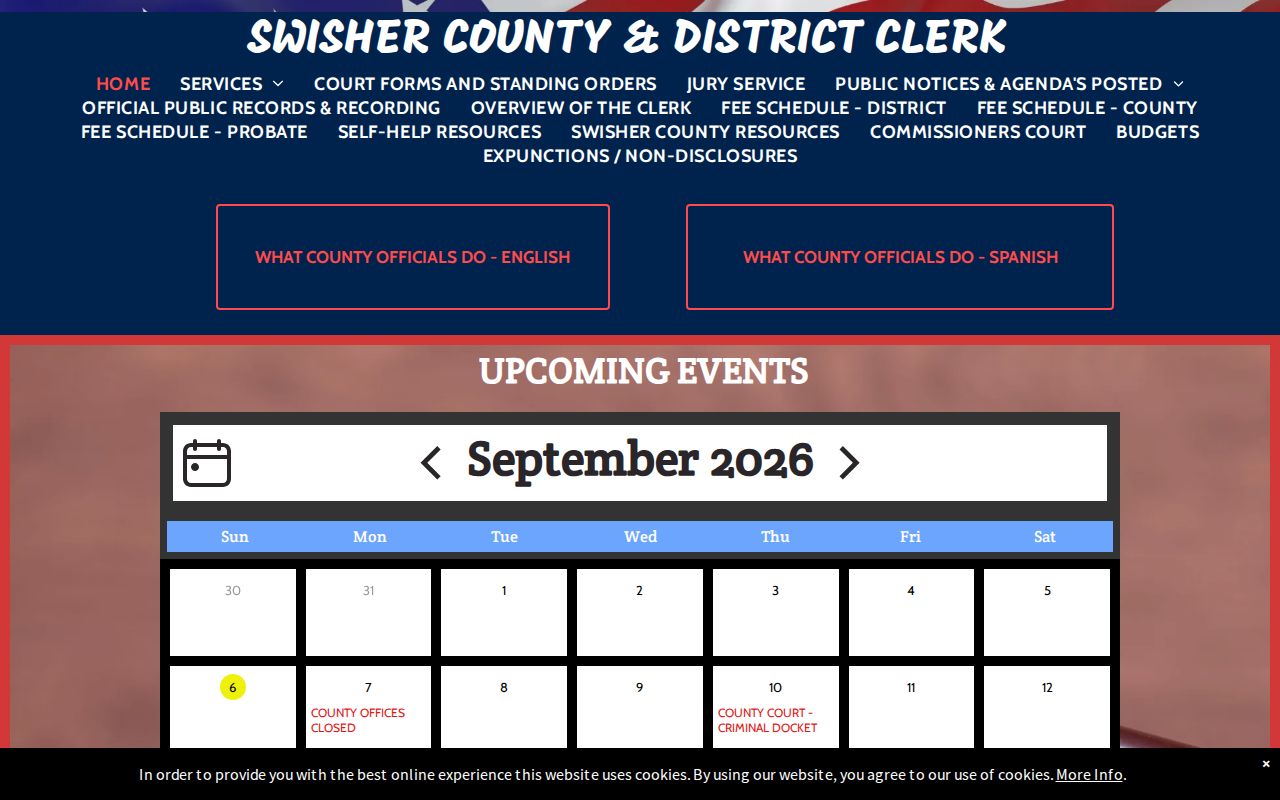
The clerk's office holds the original county and district court records. Lower and federal courts sit outside it.
Swisher Judicial and Property Indexes
The combined clerk runs a judicial index and an official public records property index. The two searches are not interchangeable. Both routes advertise coverage from January 1, 1992 forward. The current endpoint shifts as new data is entered. A deed, lien, release, probate instrument, and court judgment can fall under different categories. That holds true even when they grow out of the same dispute or parcel.
A court-filed judgment call works best with the cause number, court, and document type in hand. A recorded lien or release goes smoother with the grantor or grantee, a recording date range, and any instrument data you know. The iDocket public screen exposes no result fields, so assume nothing about its controls. If the subscriber screen blocks your search, use one of the two public computers or ask the clerk to run it.