
Searching Swisher County Civil Dockets
Figure out what kind of case you have before you touch a docket search. That choice decides which Swisher County office holds the record. The combined office has two sides. The District Clerk side keeps district civil and family filings for the 64th and 242nd District Courts. The County Clerk side holds county civil and probate records. Small claims and other justice-court matters sit with the countywide Justice of the Peace. Federal civil suits are different. They belong to the Northern District of Texas, Amarillo Division, not to any county office.
For district records, the clerk links a local iDocket judicial index. It is advertised from January 1, 1992 through the current coverage the office shows. One catch: its public screen needs a subscriber login. Visitors without one have other options. They can use the office's two public computers, free in-person review, or a written request. A separate statewide option exists in re:SearchTX. It carries its own registration, role, category, and integration limits for a Swisher County docket lookup.
- Identify district, county, justice, probate, family, or federal jurisdiction.
- Gather the cause number, court, narrow date range, and needed document type.
- Check iDocket, re:SearchTX, or the proper district docket where applicable.
- Compare the case style and setting with the notice.
- Request the exact filing or certified copy from the proper clerk.
Swisher District Civil Court Route
The 64th and 242nd District Courts are general-jurisdiction courts. Together they serve Swisher, Castro, and Hale Counties. Their judicial offices sit in Plainview. The Swisher County District Clerk and local record review stay in Tulia. On the regional sites, county-labeled jury-week headings let a reader pull out just the Swisher settings. A civil style can appear in the same table structure as a criminal style. The 242nd District Court calendar and hearing-request page shows this Swisher County civil docket material.
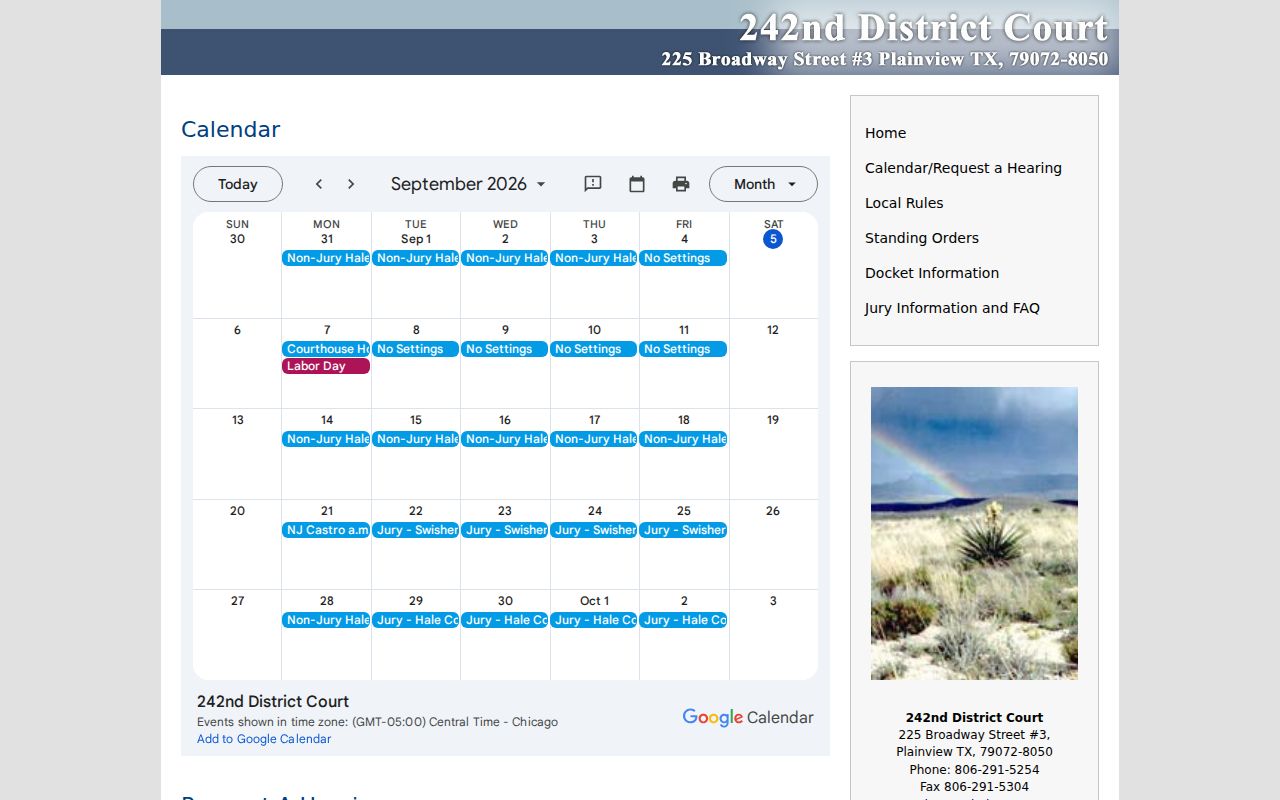
The form requests a proposed date and time, estimated duration, requester, email, attorneys, case number, style, and type. Sending it in is only a request. The court calendar, the coordinator, or a signed notice must show the accepted date before anything is set.
Inside a Swisher Civil Docket
The district docket table shows a county heading. It also lists a jury-week date and time, Cause No., Style of Case, and Attorneys. That is what you get. It does not expose the full filing list, a service return, motion text, exhibits, or a signed judgment. So a Swisher County civil docket is an index or schedule clue. It is never a substitute for the case file itself.
| Cause No. | The assigned court identifier. No universal local pattern such as YYYY-CV-##### was verified. |
|---|---|
| Style of Case | The case caption used to distinguish a civil action from other matters in a shared table. |
| Attorneys | The counsel listed for the setting, not proof of an appearance or result. |
| Jury Week | The court’s county-specific scheduling period, not a finding that trial occurred. |
| Filed Papers | Petitions, answers, motions, orders, and judgments must be requested or opened where access permits. |
When you ask the clerk, name a specific document instead of requesting everything. A petition, answer, service return, order, judgment, release, exhibit, or appellate record is far easier to locate and price.
Swisher Civil E-Filing Is Separate
Swisher's clerk requires electronic filing for civil, criminal, family, and probate matters. Tyler Technologies eFileTexas is the channel that delivers documents to the clerk. It is not the certified record. It also does not prove a filing was accepted, signed, docketed, or made public. The filing receipt answers some of that. The clerk's status answers the rest. The official eFileTexas page shows the submission channel used for Swisher County civil filings.
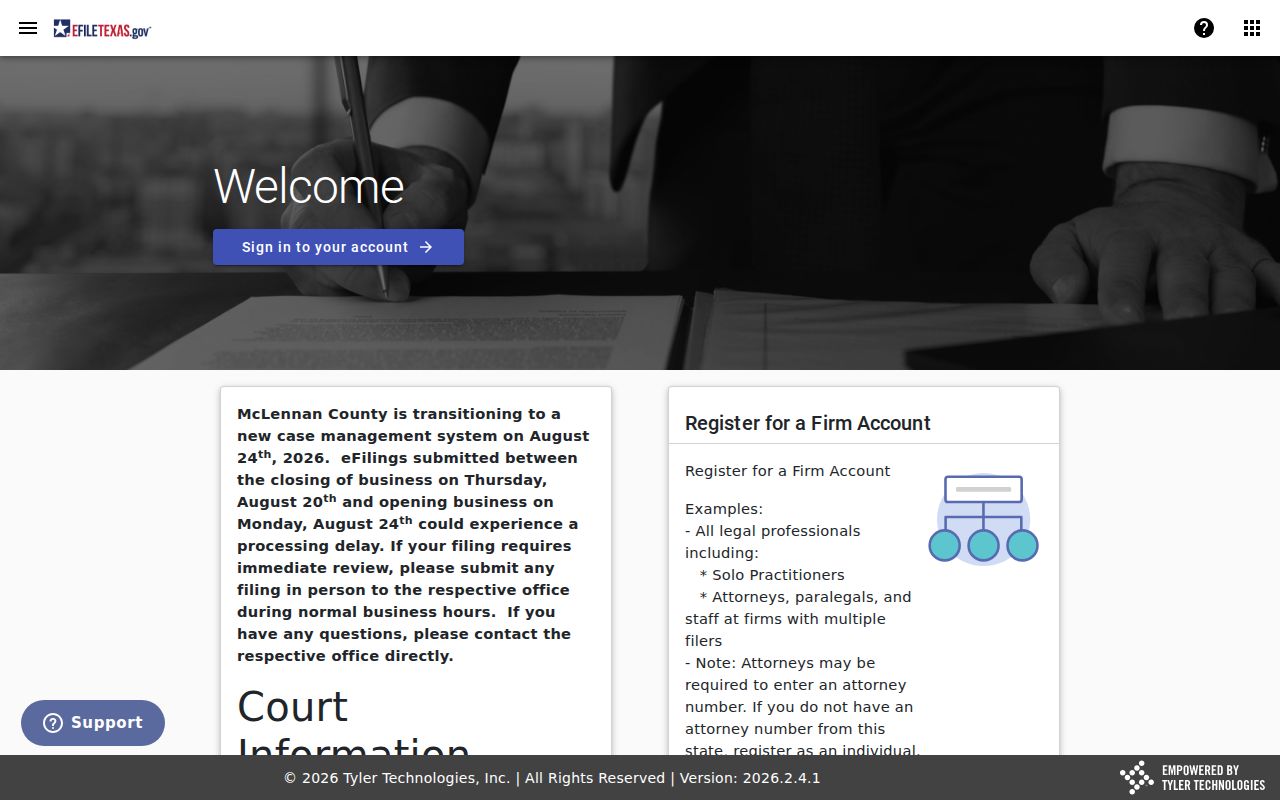
Local instructions cap an envelope at 35 MB. Filers must also use the exact document title, pick the right security and document type, and add service when the filing calls for it. If a known case number will not appear, contact the clerk. Do not guess or open a new case.
Civil Case Types on the Docket
Civil dockets in Swisher County divide by subject and jurisdiction. The district courts take major civil controversies. They also handle title-to-land matters, family proceedings, election contests, and other district business. The County Clerk keeps county civil and probate files within statutory limits. Justice court hears civil disputes up to $20,000. It also hears forcible-entry-and-detainer and certain lien matters, subject to exclusions set by law.
| Matter | Likely court | Custodian |
|---|---|---|
| District civil or family | 64th or 242nd District Court | District Clerk |
| County civil or probate | Constitutional County Court | County Clerk |
| Small claim or forcible entry | Justice of the Peace | JP court |
| Federal civil action | N.D. Texas, Amarillo Division | Federal clerk and PACER |
The issuing court is the key detail. A property index and a judicial index can both mention the same judgment or lien, but they remain different record categories.
Swisher Civil Filing Preparation
Local e-filing instructions cover the practical steps for preparing Swisher County civil filings.
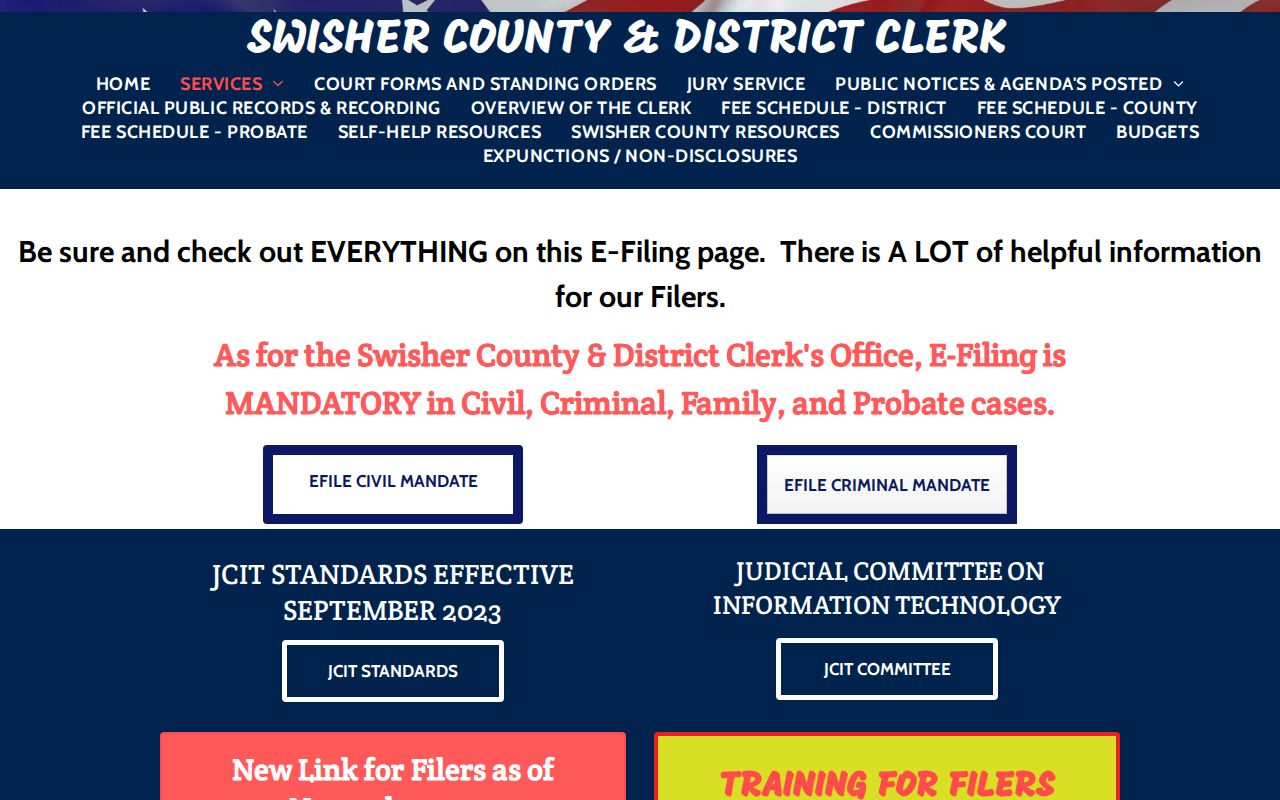
The page separates a document description from filing comments. It warns that security choices affect both processing and access. Comments can help the clerk. Sensitive details do not belong there without need. Citations and service require added services when a filing calls for them.
If an electronic filing service provider goes down, the local page offers a fix. The same eFileTexas login may work through another provider. That fix concerns delivery, not public research. A searcher who wants an accepted order should ask the clerk. Request the docketed item rather than checking the filer's submission screen.
Civil Docket Settings and Hearings
A setting is a scheduled event. It is not a ruling. The 64th and 242nd sites use calendars, Docket Information pages, settings, and jury-week headings, and rows can appear struck through with no published legend explaining the change. A struck row may mean the item is no longer active as displayed, but only the coordinator can say whether it was reset, removed, or handled another way.
For a current Swisher County civil court date, compare the web calendar with the signed notice, then call the right district coordinator or the combined clerk. The detailed Swisher County court dates resource separates those date channels. A clerk copy request is no fast substitute for directly confirming an upcoming hearing.
- Setting
- A scheduled hearing, trial, conference, or docket event.
- Continuance
- A court-approved move to a later date.
- Service return
- A filing that records how process was delivered or attempted.
- Judgment
- A court’s decision, which should be verified in the signed file.
Swisher Local Rules Search
Texas courts must publish their local rules, forms, and standing orders through one statewide system. That mandate started January 1, 2023. The 64th and 242nd District Courts rely on the Swisher clerk's resource page. It adds family standing orders and other local forms. Before you file anything in a Swisher County civil docket, run the Texas Local Rules Public search. It filters results by county and court.
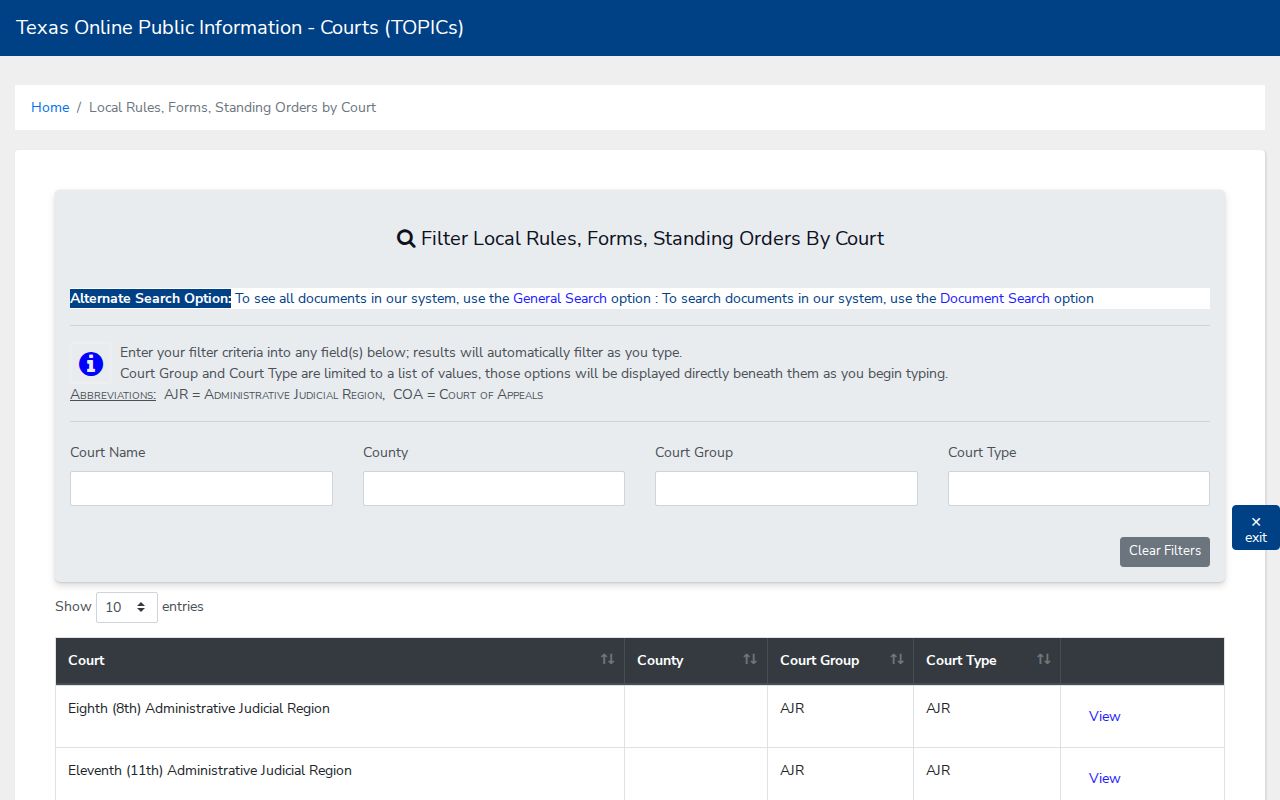
Always pull the rule text live before you file. Rules change, and a form sitting on a resource page is no promise it is the current version. When timing or compliance really matters, read the form's date and confirm with the clerk.
Civil Docket Access Rules
Texas Rule of Civil Procedure 76a presumes that covered civil court records are open. That presumption is not a public PDF link, though. Statutes, sealing orders, and protective orders can all block access to a civil docket filing. So can sensitive data and role-based limits. Family case files raise special concerns. They can hold details about children, money, or personal identifiers. Probate and guardianship records deserve the same care.
Access boundary: Texas Rule of Civil Procedure 76a states the civil sealing standard and preserves legal exceptions. The Judicial Branch Open Records Policy explains why ordinary Texas Public Information Act requests do not govern judicial records.
For a full case file, submit the clerk's judicial-record request form. Ask what portion you may inspect, what identity or authority you must show, and whether a redacted copy can be released. A blank result may mean a restriction, not that no case exists.
Swisher Civil Copy Costs
The Swisher County & District Clerk sits at 119 S Maxwell in Tulia. It offers free in-office review and two public computers. You can email requests to cdclerk@swishercounty.gov, fax them to 806-995-4121, or mail them in. The clerk reviews each request. A reply comes within 10 business days with availability and an estimated cost. Pay first, then the copies get produced.
| Copy | Published price |
|---|---|
| Paper | $1 per page |
| Certified | $1 per page plus $5 certification |
| Digital | $1 per page through 10 pages, then $0.10 per page |
| Three-way authentication | $10 |
Treat these as copy and authentication rates only. Filing fees are separate, and the clerk links current district and county fee PDFs for those. Ask for an estimate matched to your exact civil document, format, and certification need.